


 4.8


From a free slot to an approved week
Add work to the calendar, log time cards with start and end times, move and copy them, add a note and time off, then submit the week for review.
Track time visually
Empower your team with calendar time tracking software that makes logging work intuitive and shows managers who worked on what, and when.
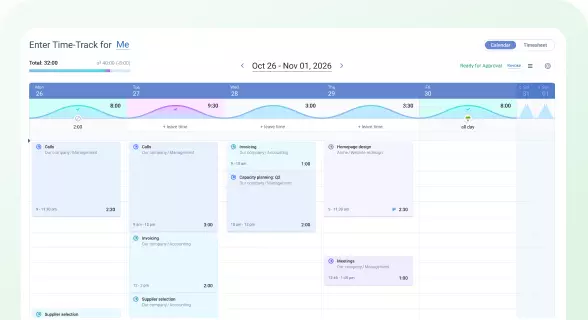
For employees
Stay in control of your time
Made for employees who want time tracking to be as detailed as possible
- Log time with precision — set the start and end of each piece of work, so your day adds up exactly
- Less retyping — drag a card to a new time or copy it to another day instead of entering it again
- Customize task details — choose what your cards show, so the info you need stays in sight
- Context on every card — add a note on what exactly was done, so no one has to ask
- Time off in the same view — log leave hours and work locations as you fill in the week
- Submit and move on — send your finished week for approval in one click
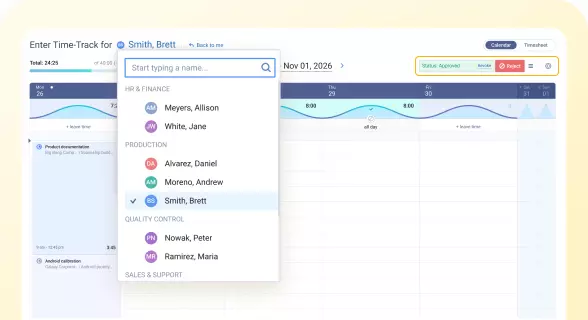
For managers
See the big picture with less effort
Built for leaders who value full visibility
- Every day at a glance — see when each task started and ended, and where anyone's day has gaps
- Assign work in seconds — add tasks to a team member's calendar so they're ready to log
- No chasing for timesheets — automatic emails remind people to fill in and submit their week
- Simpler approvals — review, edit, and approve a week right in the calendar
- Overtime under control — see each person's daily and weekly hours, with extra time flagged as it builds up
- Timing data on demand — the Time Cards report lists start and end times by person and project, ready to export
No more guesswork. Every hour in its place.
- No credit card required
- Unlimited users
- Human support & onboarding
Start your free trial
More ways to work with your hours
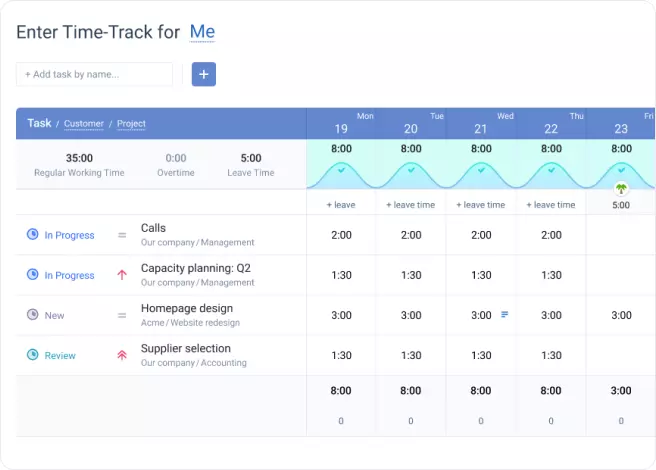
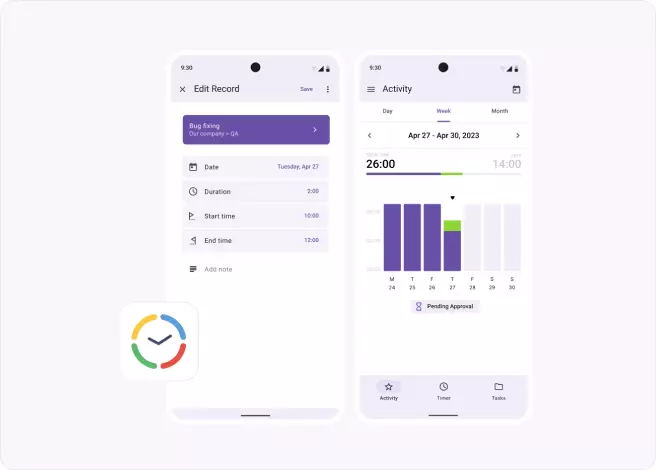
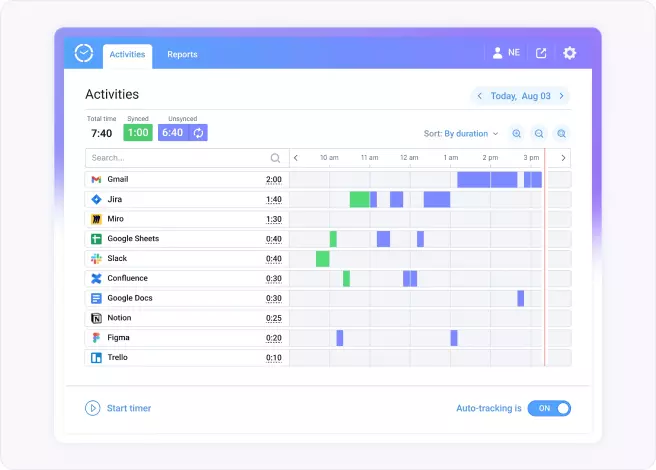
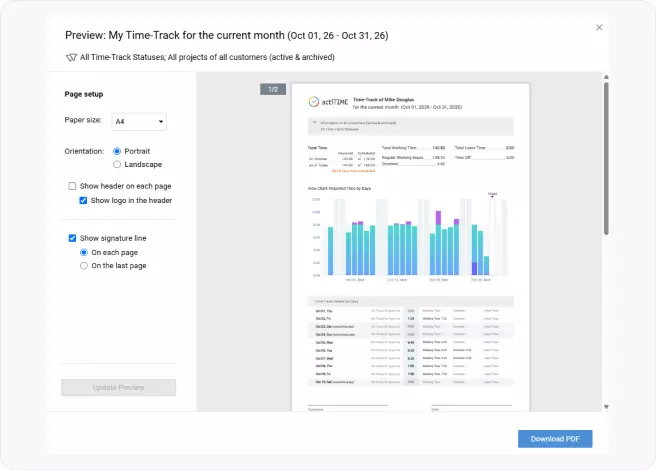
Where your calendar hours go next
Log an hour once, and it counts everywhere it matters.

Time analytics reports
See how calendar hours split across clients, projects, and people, and spot where work takes longer than planned.
Learn more
Project progress
Hours from time cards count against task estimates and project budgets as soon as they're logged.
Learn more
Cost of work
Each person's pay rate turns calendar hours into the real cost of every task.
Learn more
Leave balances
Time off marked in the calendar updates PTO and sick day balances automatically.
Learn more
Billing
Billable time cards turn into invoice amounts, whether you bill by type of work or by who did it.
Learn more
Frequently asked questions
-
A timesheet calendar, or calendar timesheet, records work as blocks of time on a calendar, each with a start and end time, instead of a single total per day. In actiTIME, this time tracking calendar shows a week of time cards linked to tasks, with daily and weekly totals, overtime, and leave, and you submit the whole week for approval when it's done.
-
Both record the same entries, so it comes down to how much detail you need. The weekly timesheet suits people who log one total per task each day, while the calendar view fits work where the time of day matters, not just the total. Anyone can switch between the two at any time, and managers still review one week per person.
-
Yes. The calendar view is part of the free version for teams of up to 3 users. Some features you can use with it, such as timesheet approval and overtime registration, aren't included in the free version, and you can try everything in the 30-day trial.
-
Yes. Ready-made Zapier templates can turn finished Google Calendar events into time entries on the actiTIME task you choose, or into leave time. Zapier integration isn't included in the free version. See how to set it up.
-
Yes. Every time card in the calendar view is linked to a customer, project, and task, so each block of the workday shows which project it went to. Managers can see when work on each project happened and how much of the week it took.
