What’s new in actiTIME Self-Hosted version
Navigation, Settings, and Task Import Revamp
User convenience is at the heart of everything we do at actiTIME!
That’s why we’re launching a series of new features designed to streamline user navigation and improve task management.
New Navigation
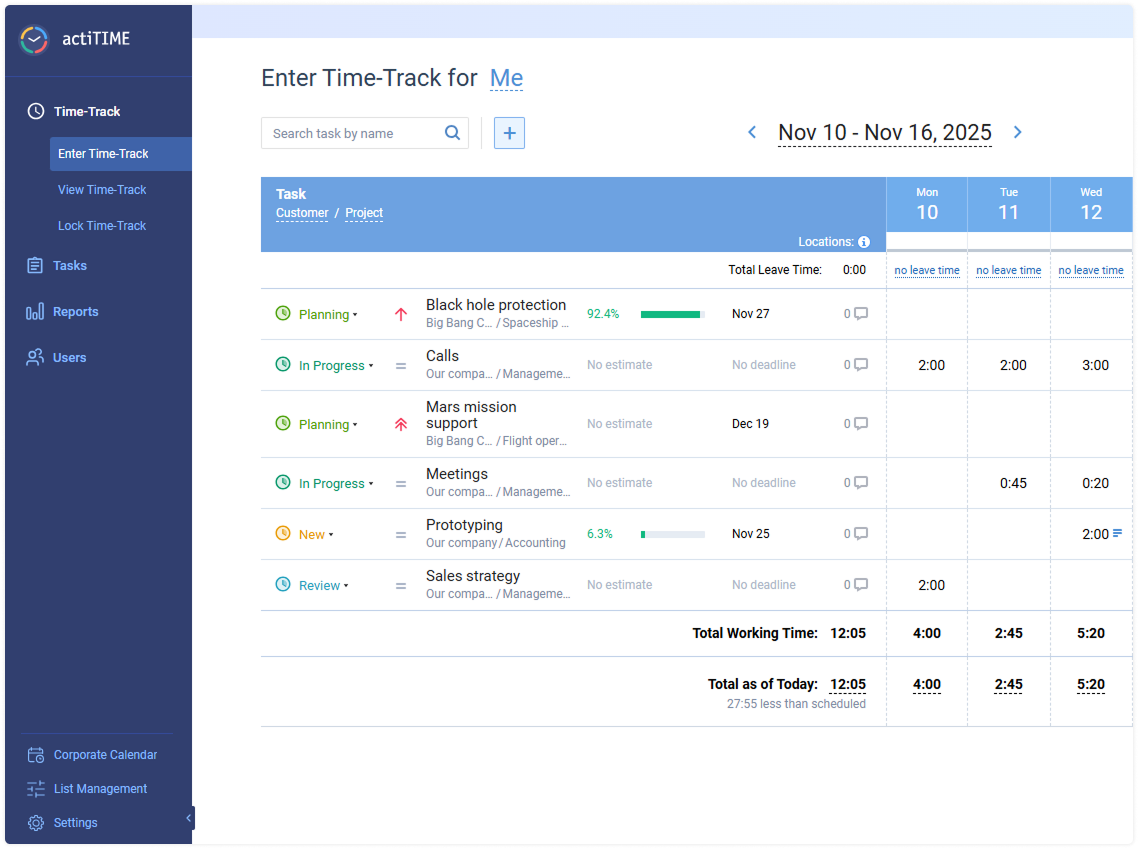
First of all, it’s the collapsible sidebar menu that lets you access essential product features in a more intuitive way while keeping your workspace clean and optimized.
Custom Fields Import
We’ve also enhanced the task import functionality, allowing you to upload custom fields and workflow statuses. This helps you to retain more important data and make project setup faster and more efficient.
Refined Timesheet and Calendar Settings
Besides that, we’ve slightly refurbished some of the timesheet and calendar settings to provide you with extra flexibility in displaying additional parameters.
By clicking the Settings icon, you will access altogether task grouping and sorting, your workday details, and task details.
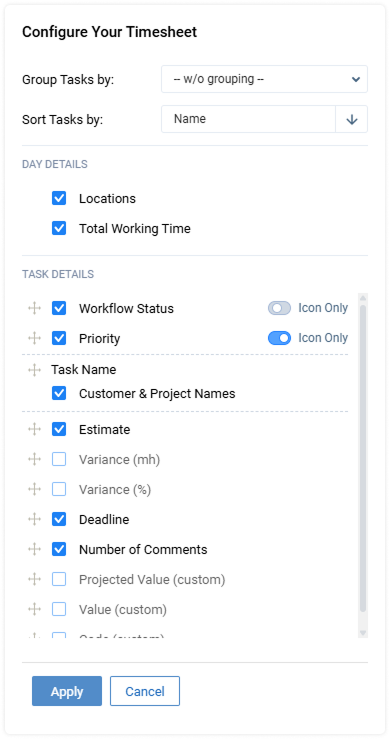
By dragging and dropping the items in the list, you can choose the order in which task attributes are displayed.
You can also decide whether to display task priority as an icon or an icon and text.
These options allow you to adjust task data display to your current role or workflow and tailor tracking of project progress to your personal needs.
As for workday settings, you can not only visualize your location and see the total working time but also display how packed your schedule is, which makes planning and time allocation much easier.
Double Your Defense with Two-Factor Authentication
We are excited to announce the long-awaited two-factor authentication feature intended to bolster the security of our user accounts.
This new feature underscores our commitment to providing robust data protection measures while maintaining user convenience.
If you decide to enable the 2FA feature, you and your employees will access:
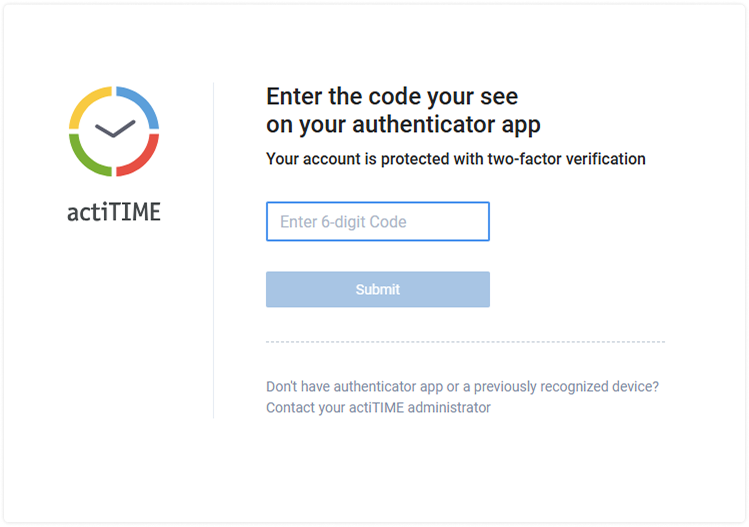
- Popular authenticator apps, such as Google Authenticator and Microsoft Authenticator. These run smoothly on almost any mobile device.
- Secure and comfortable first login process, where users configure their apps via QR codes.
- Additional flexibility for actiTIME users with administrator permissions who will be enabled to turn the two-factor authentication on and off directly from the General Settings and reset their colleagues’ passwords on demand.
- Uninterrupted functionality: Successfully authenticated users will continue to have uninterrupted access to actiTIME, just as they do in the current public version.
To find out more about how to enhance your account protection, watch this video.
Enhance Your Data Management with Numeric Custom Fields
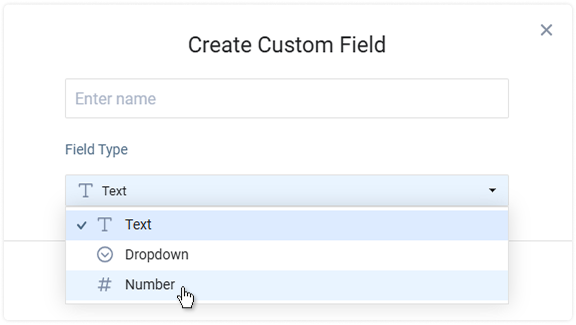
Another addition we are introducing this September is the new custom field specifically designed for numerical data and intended to let you better track and analyze quantitative information within your projects.
The new functionality lets you
- Set up the numeric fields to ensure that only valid numbers are entered, reducing errors and maintaining data integrity.
- Capture values such as remaining time estimates or any other quantitative metrics relevant to your projects.
- Summarize and utilize collected data in your reports.